Updating LED Sign Messages: Four Channels and Five Documents
How LED sign messages change: printed film, USB, app and network channels compared, plus the five handover documents that keep updates alive after staff turnover.
Updating LED sign messages is the spec nobody reads until the first campaign change – and the reason some signs serve for a decade while others become the storeroom’s oldest decoration. Every illuminated sign changes its message one of four ways: a printed film, a USB file, a phone app or a network push. This guide compares the four honestly and lists the five documents that decide whether the capability survives the person who set it up.
Two Worlds: Physical Media and Controllers
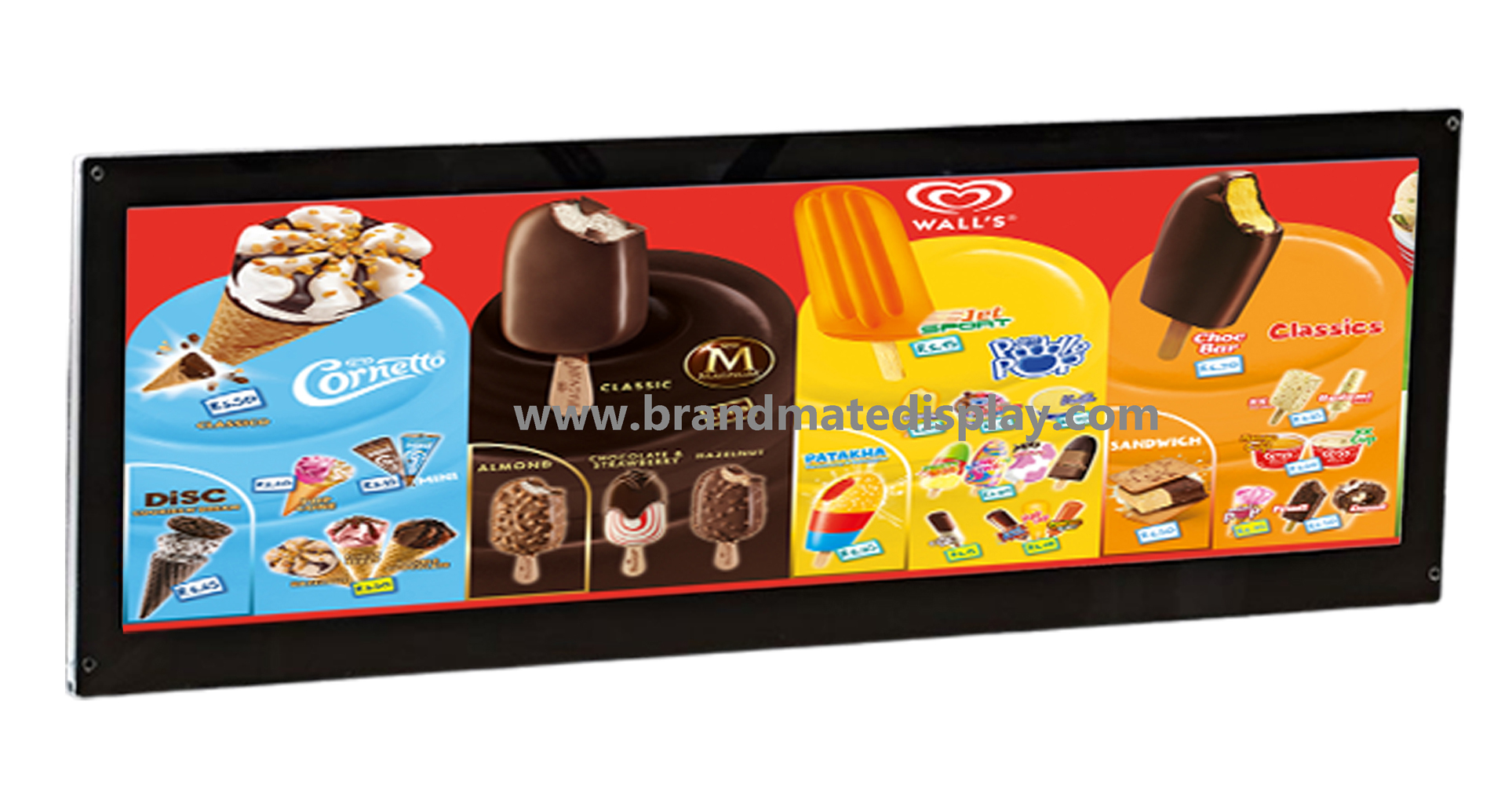
Printed film holds the message in an object – a translucent print behind a diffuser, swapped by hand in minutes. Controllers hold it in memory – text and patterns changed through a port or an app. Neither world is better; they answer different rhythms. A cafe menu changes weekly and suits film; a promotion counter changes daily and suits a USB or app channel.
The second-hand market supplies the cautionary tale: scrolling signs resold with no manual, no software and no port. Some accept common tools; some are locked to an app that no longer exists. Buyers who ask the update question at purchase time never inherit that problem.
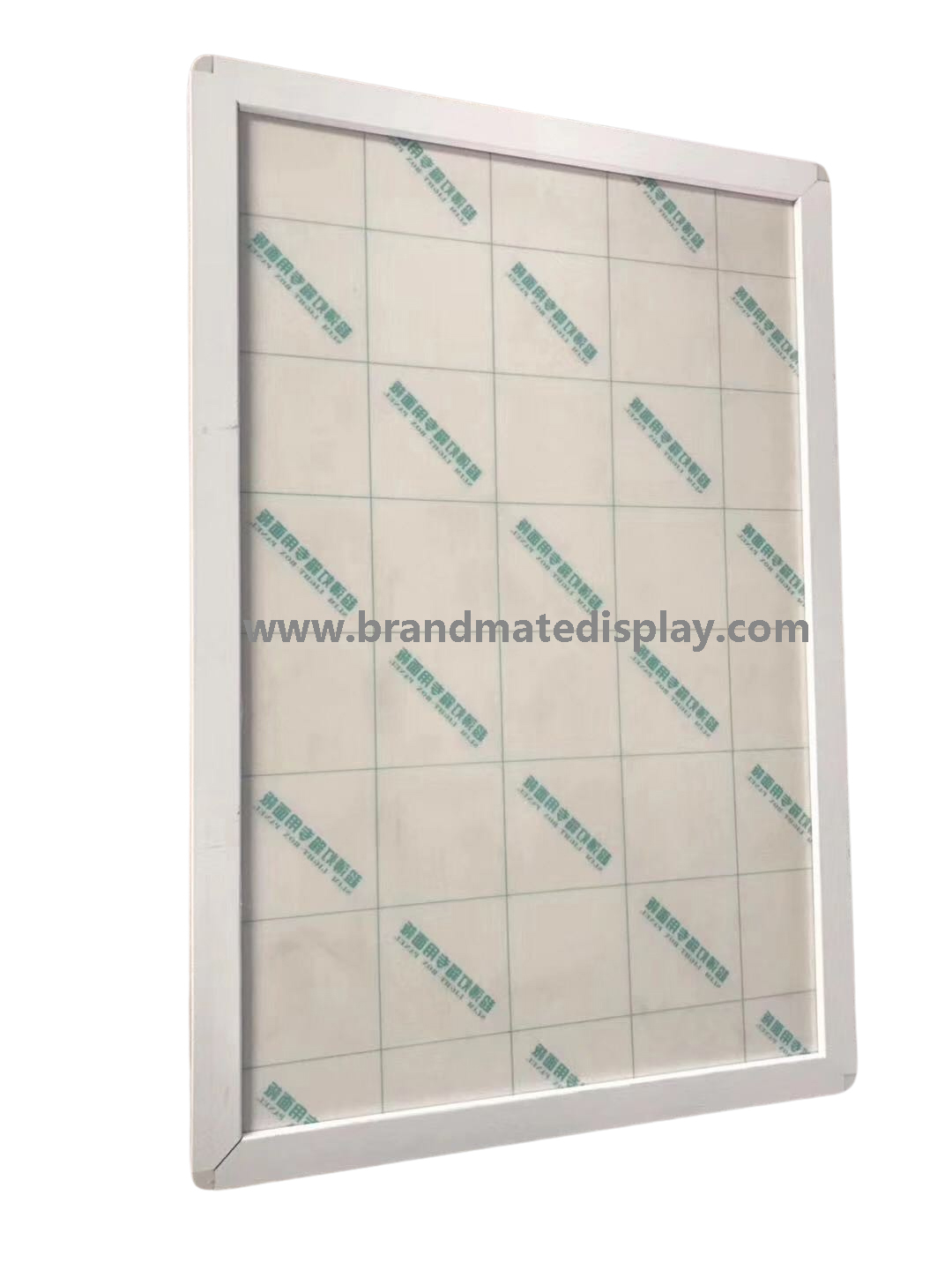
The physical channel: a new poster, four magnets, thirty seconds. No software, no technician.
The Five Documents to Require Before Buying
The workflow in writing. File formats, software name and version, and the step-by-step update – a document, not a demo.
The ports on the record. Socket types, app name and platform, network options. “Proprietary software” needs an answer about what happens if it is withdrawn.
A live change on your unit. The sample is updated in front of you by the person who will support you.
The template library. Artwork templates at final size, so every future film fits the first frame.
Support with a clock.
The fifth line deserves its text: one named contact and a written reply-time promise, with the controller part number and wiring diagram on file. Those papers are what make a content change – or a power swap – a routine instead of a rescue.
Animation Boxes: Motion Without a Firmware Story
Animation light boxes sit deliberately between the worlds: printed films or flip-frame pages create the motion, the controller drives the sequence, and the “update” remains a print order to a registration template. For buyers who want movement without an electronics maintenance story, it is the practical middle path – the spares shelf holds film, not firmware.
Mistakes That Turn Signs Into Decoration
Buying electronics without asking how content changes. The demo shows brightness; ownership is updates.
Accepting “there is an app”. Which app, which platforms, what login, what if it disappears – four questions, one paragraph.
Losing the template. The second film order is quick only if it matches the first. File it with the invoice.
One person holding the knowledge. The workflow document exists for their successor. Print it, tape it where the sign lives.
Adopting inherited signs unchecked. No port, no app, no documentation – the honest options are a controller swap or retirement.
Common Questions
How do I change the text on an LED sign?
Through the channel the controller offers – USB, app or network – using the workflow the supplier documented. If none of those exist, the sign is a print job away from film, or it is decoration.
Can a light box change messages without any software?
Yes. Film-based boxes swap a printed poster by hand – magnetic and snap faces open from the front in seconds. It is the lowest-maintenance channel in the category.
What documents should ship with an electronic sign?
The workflow document, software name and version, controller part number, wiring diagram and the artwork template. All five fit on two pages and prevent every inheritance problem in this guide.
Which channel suits a chain of stores?
Network push, managed by whoever runs the stores’ network, lands one campaign on every site at once. Pair it with the version control discipline so store artwork never drifts.
I bought a second-hand sign with no manual. Options?
Identify the controller family from the label, look for its common software, and try the original supplier. If no route exists, a controller replacement is the fix – or the unit becomes a static, always-on face.
How often should the message change?
Often enough to justify the channel you chose. Weekly changes favour film or app; daily text changes favour app or network; seasonal-only messages never needed electronics at all.
The Bottom Line
A sign is a message-delivery device, and the update path is its real specification. Choose the channel to match the rhythm of your messages, demand the five documents, and the sign stays an asset through every staff change and every campaign.
Tell us how often your message changes and who changes it – the channel recommendation, workflow document and written quotation come back within 24 hours. Low MOQ accepted, wholesale commonly from 5 pieces per design.
Why Buyers Work With BrandMate Display
Channels matched to rhythm. Film, USB, app or network quoted against how often messages change.
Front-access faces. Magnetic and snap swaps in seconds, no technician.
Workflow document standard. Every electronic order ships with the update steps in writing.
Templates on file. Reprints fit the first frame because the template never moved.
Controller part numbers kept. Field swaps and app changes stay possible years later.
One contact. The person who wrote the workflow answers the update question.

 Byadminn